View Equipment
You can view both estimated and actual equipment for a work order.
- Open the work order.
-
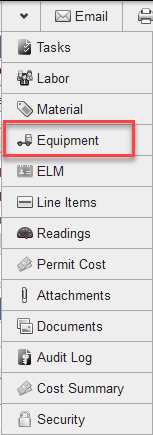
- In the Equipment panel, select Estimated to view the estimated equipment. Estimated equipment has not been added to the work order. Select Actual to view equipment that has been added to the work order.
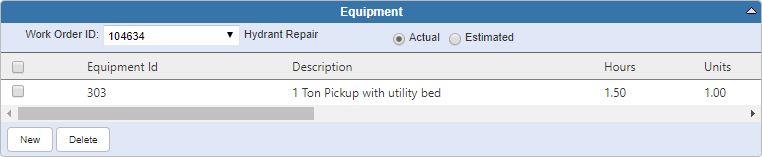
If you have permission to view equipment cost, it is displayed in the Equipment panel. You can also view the total equipment cost in the Details panel of the main work order window.

Documentation Feedback Form
Please give us feedback about this Cityworks guide.
If you have a feature enhancement request, please see the Ideas page on MyCityworks.
Last updated 3/22/2019.
Copyright© 2010–2019 by Azteca Systems, LLC. All rights reserved.